A guest searches for somewhere to eat, finds your restaurant on Google Maps and taps through to check the menu. What happens next? If the link opens last year’s Christmas menu or the hours are wrong, they may move on before you get the chance to welcome them. Here’s how I’d check a restaurant’s Google Business Profile, starting with the details that affect a real visit.
Check your hours against your next two weeks of service
Start with your regular hours and check them against what’s on your website and booking platform. Then add special hours for bank holidays, festive closures and one-off changes. If drinks service runs later than food service, make last orders clear on your menu or booking page so guests can plan around it.
Open the menu and booking links on your phone
Search for your venue as a customer would and follow each link. Can you read the current menu without pinching to zoom? Does the booking link open your venue’s calendar? For venues with multiple sites, check that each profile sends people to the right branch. Google explains where to manage menu and booking links in your profile.
Add photos that answer a guest’s questions
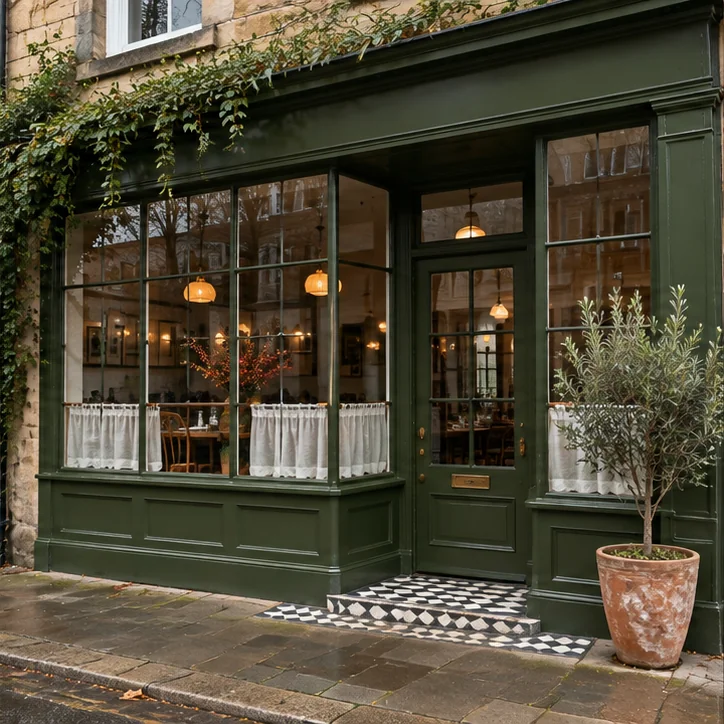
Start with a clear photo of the entrance, a view of the room and a couple of dishes that are currently available. A photo of the entrance is especially helpful if guests regularly walk past it. For a café, a view of the counter and seating gives someone a better sense of whether they can pop in for a quick coffee or settle in for lunch.
Respond to reviews with something specific
If someone mentions a member of the team or a dish, pick up on that detail. If a guest waited longer than expected, acknowledge what happened and explain what you’ve checked or changed where you can. Keep individual booking details private. Repeated comments about the same issue are worth bringing to the team before your next service.
Watch what people do after finding you
Check your available profile metrics for actions such as website clicks, calls and directions. Compare them with a similar period and note any changes in opening hours, events or seasonal demand. If you want to understand bookings, check your reservation system as well. A website click is one step in the journey.
Google says local results are mainly based on relevance, distance and prominence. Keeping your details accurate is the part you can act on today. See Google’s local ranking guidance.